
Is the Marriage BioData Builder free?
Yes. Every design, the live preview and both PDF and image downloads are completely free, with no sign-up and no watermark.
Free · No sign-up · PDF & Image
Create a beautiful marriage biodata for every Indian religion. Pick a design you love, fill in your details with a live preview, and download it in minutes.
Each one comes with the right blessing, religious details and sample profile.
Browse designs filled with sample details and preview any of them full size.
Type into a simple form and watch your biodata update live, side by side.
Export a print-ready PDF or a high-resolution image for WhatsApp.
Traditional and modern layouts that work for every religion.
Religious blessing and watermark with a single switch.
Drafts autosave so you never lose your progress.
Every design looks complete with or without a photo.
Yes. Every design, the live preview and both PDF and image downloads are completely free, with no sign-up and no watermark.
Choose your religion, pick a design you like, fill in your details while the live preview updates, then download it as a PDF or image. It only takes a few minutes.
Hindu, Muslim, Christian, Sikh, Jain, Buddhist and Parsi. Each has its own religious details section, blessing line and sample profile, and every design works for every religion.
Personal details (name, date and place of birth, height), religious details, education and career, family details, contact information and partner preferences. A recent photo is common but optional.
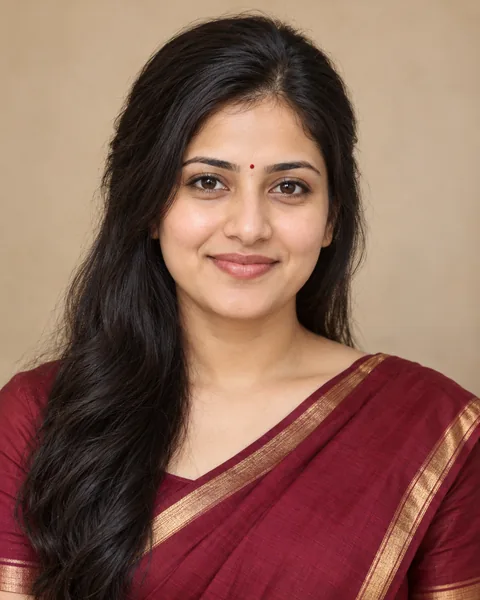
Yes. Every design is shown with a sample profile and photo. Open any card to preview it full size, then choose "Use this template".
Yes. Switch designs any time from the builder toolbar — your details stay exactly as you typed them.
Yes. Download a print-ready A4 PDF for printing or email, or a high-resolution image that is easy to share on WhatsApp.
No. Only your full name is needed to download. Empty fields are left out automatically, so the biodata always looks complete.
Yes, in the Profile Photo section. JPG, PNG or WebP images up to 5 MB work, and every design also looks complete without a photo.
Your draft is saved automatically on your device so you can come back later. Use "Save profile" to keep separate biodatas for different family members.
Yes. Switch off "Show blessing" in the builder and the blessing line and religious watermark are removed.
Yes. On phones the builder switches between "Edit details" and "Preview" tabs, and downloads work the same as on a computer.